








ジェネレータ
歴史
AI フロアプランジェネレーター
変更ツール
モデル
ベース版
切り替え
部屋
寝室
-
2
+
bathRoom
-
1
+
キッチン
オープン
クローズド
延べ面積
ユニット メトリック
メトリック 帝国
帝国
メトリック 帝国エリア
< 50㎡
50-80㎡
80-100㎡
100-120㎡
120-150㎡
> 150㎡
追加設備
ウォークインクローゼット
ランドリールーム
収納室
ユーティリティルーム
在宅勤務用オフィス
ガレージ
食品貯蔵室
リビングダイニング一体型
バルコニー

Design Your Future: The Ultimate Online Building Plan Maker
Unleash your design vision with Ideal House’s AI Floor Plan Generator, your go-to online building plan maker. Quickly create detailed 2D floor plans, perfect for homeowners, real estate professionals, and designers. Go from concept to a presentation-ready digital floor plan in mere seconds, transforming the way you approach home design.
Generate My Floor Plan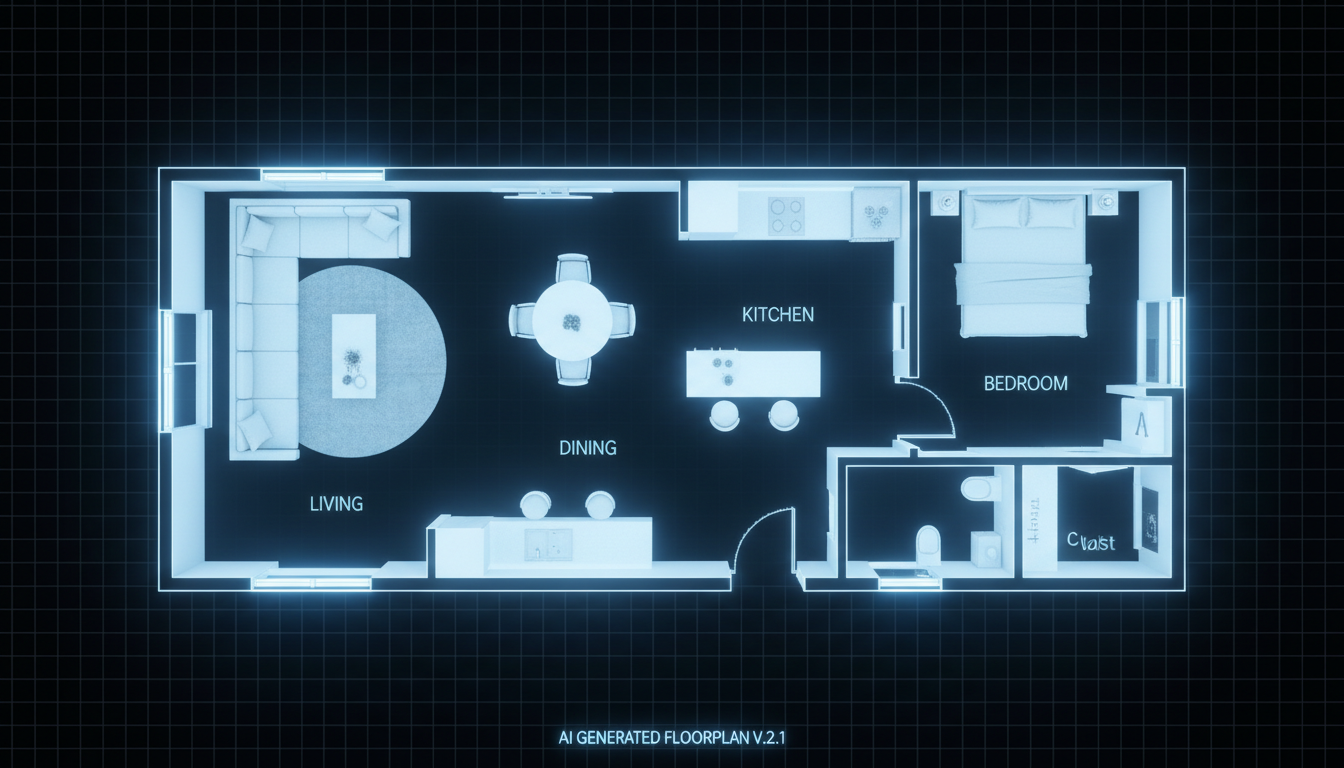


Why Ideal House is Your Best Online Building Plan Maker
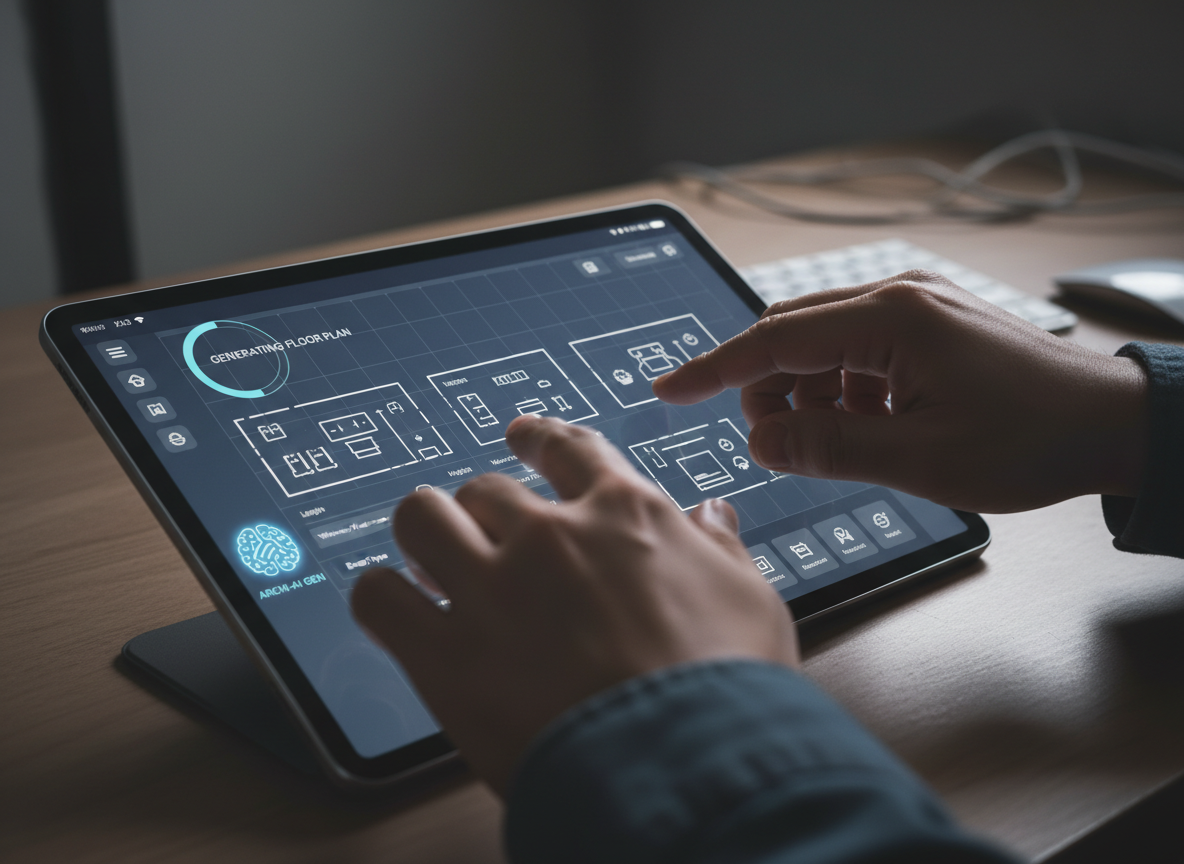
Instant 2D Floor Plan Creation
Say goodbye to complex software and tedious drafting. Our AI floor plan generator instantly transforms your preferences into clear, professional 2D floor plans. Define bedrooms, bathrooms, kitchen style, and gross area, then watch your custom floor plan materialize. This speed is invaluable for quick iterations and visualizing various layouts without delay. It's the simplest way to create floor plan online.
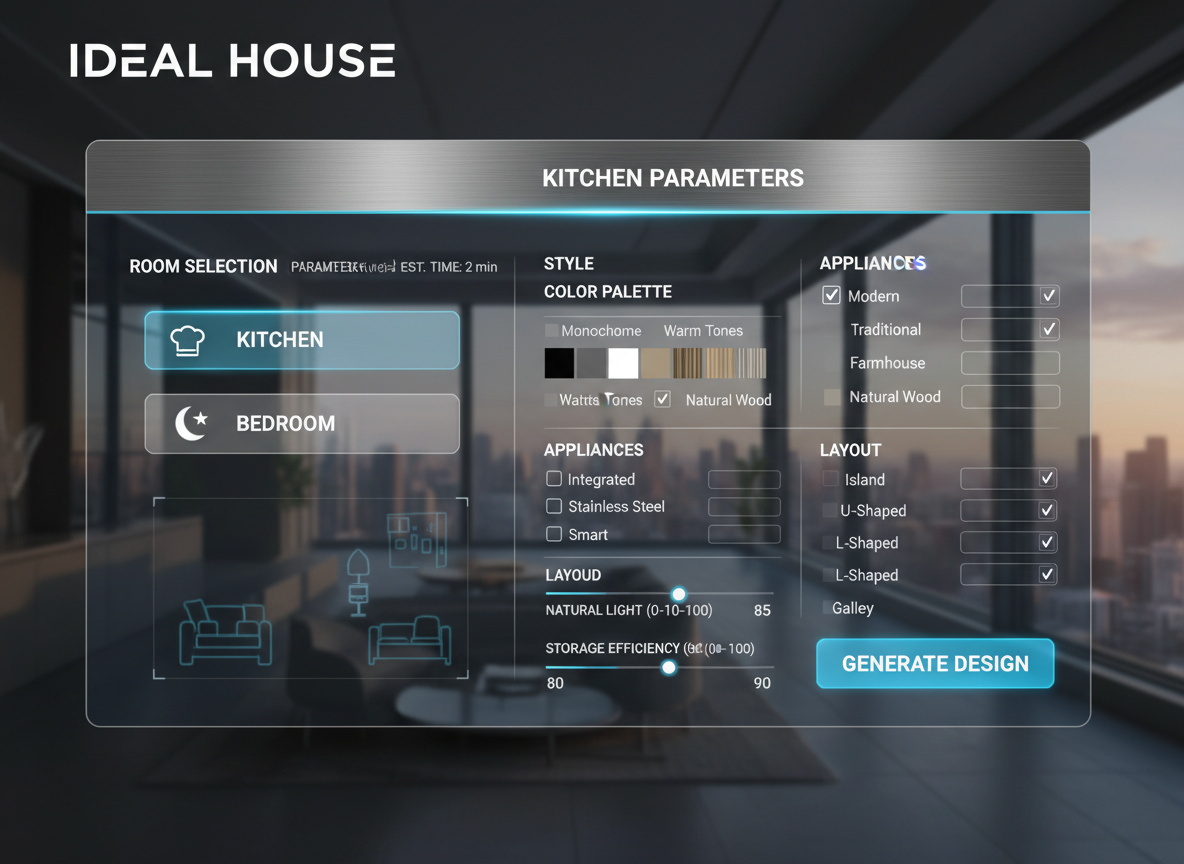
Precision with Parameter-Driven Design
Take control of your design with precise parameters. As your preferred online building plan maker, we allow you to specify everything from the number of bedrooms (0-4) and bathrooms (1-3) to open or closed kitchen concepts and gross area ranges. Add crucial extras like a walk-in closet, home office, or balcony to fine-tune your architectural drawing software experience and produce truly personalized results.

Enhanced Real Estate Listings & Client Presentations
For real estate agents and interior designers in North America, our online building plan maker is a game-changer. Generate consistent, high-quality 2D real estate floor plans that clearly communicate layout and flow to potential buyers. Present virtual floor plans to clients in real-time, making design discussions more engaging and decisions quicker. Elevate your listings with professional, AI-generated designs.
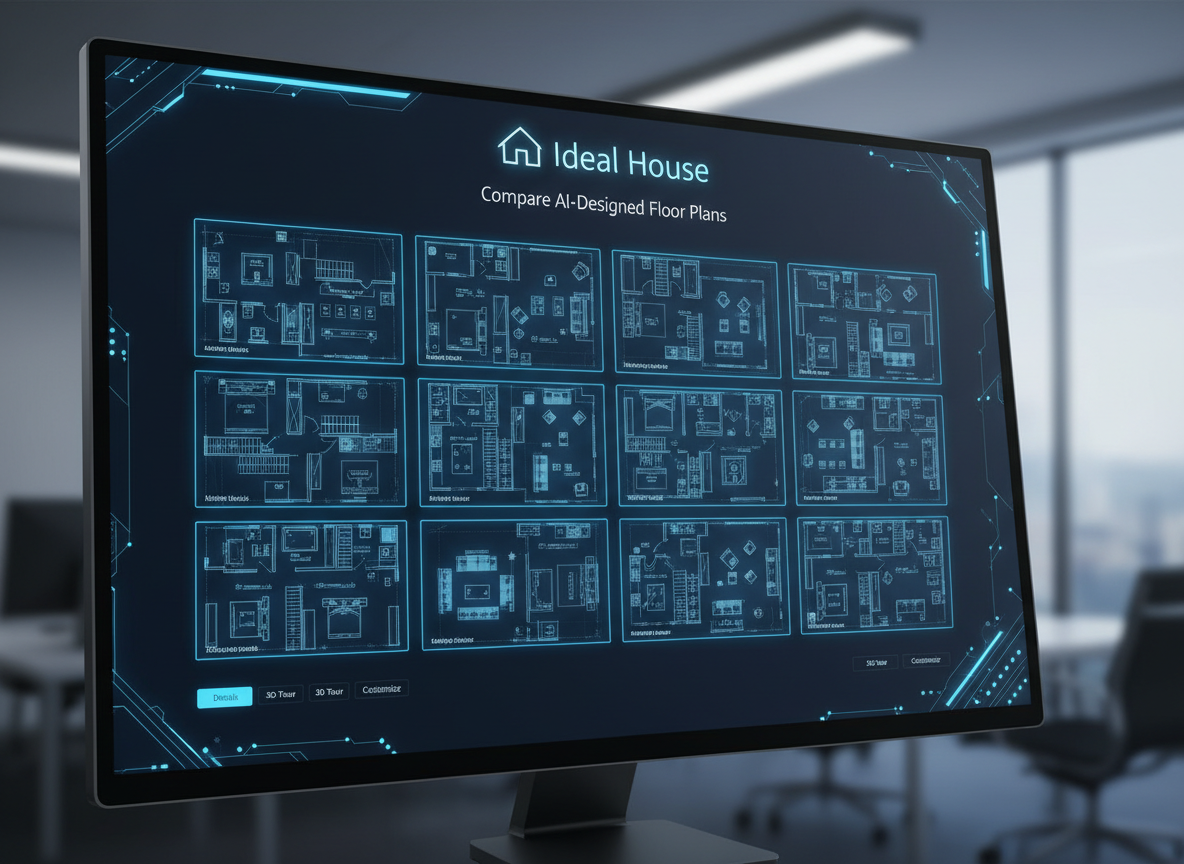
Effortless Iteration & Comparison
Explore endless possibilities with ease. Every design created using our online building plan maker is saved in your Generation History. Compare multiple versions side-by-side using intuitive filters and grid views. Tweak parameters, regenerate, and refine your perfect layout planner. This iterative process ensures you arrive at the optimal home design, whether it's for a new build or a remodel.

Who Benefits from Our Online Building Plan Maker?

Homeowners & DIY Enthusiasts: Visualize home renovations, additions, or new constructions with a custom floor plan before committing to costly changes.

Real Estate Professionals: Create compelling 2D floor plans for property listings that attract more buyers and help them visualize the space.

Interior Designers & Architects: Rapidly generate and iterate design concepts, streamlining client presentations and project planning with a powerful building design tool.

How to Use Ideal House's Online Building Plan Maker
1
**Define Your Core Rooms:** Begin by selecting the desired number of bedrooms (0-4) and bathrooms (1-3) for your ideal layout.
2
**Choose Your Kitchen Style:** Decide if you prefer an open or closed kitchen concept, which significantly impacts the flow of your digital floor plan.
3
**Specify Gross Area:** Select a gross area range that aligns with your project's size requirements to guide the AI in generating proportionate spaces.
4
**Add Essential Extras:** Customize further by selecting features like a walk-in closet, laundry room, home office, garage, or balcony.
5
**Generate & Refine:** Click 'Generate My Floor Plan' to instantly see your design. Use your Generation History to compare and refine options until you have the perfect architectural drawing.
6
**Export & Share:** Download your final 2D floor plan as an image or PDF to share with clients, contractors, or for your listings.
FAQs About Our Online Building Plan Maker
How does this online building plan maker create a design from my selections?
Our AI floor plan generator interprets your input – such as beds, baths, kitchen type, gross area, and selected extras – and intelligently applies standard design principles and adjacency rules to draft a clear, functional 2D floor plan. Each generation provides a fresh concept, allowing you to explore diverse layouts.
What are the available options for room configurations and sizes?
You can choose from 0 to 4 bedrooms (default 2), and 1 to 3 bathrooms (default 1). Kitchens can be open or closed (default open), and you can select a gross area band that best matches your target footprint. Our room planner online is highly flexible.
What impact does the 'Gross Area' selection have on the floor plan?
The 'Gross Area' selection is crucial for guiding the overall scale and proportions of your house design. It helps the AI ensure that rooms and corridors are appropriately sized for the specified footprint, resulting in a more realistic and functional digital floor plan.
How do 'Extras' influence the generated floor plan?
Extras like a walk-in closet, laundry room, home office, or garage tell our AI floor plan maker which specialized spaces to integrate and prioritize. For instance, a walk-in closet will typically be placed near a primary bedroom, and a pantry adjacent to the kitchen, optimizing your custom floor plan.
Can I compare multiple floor plan designs generated by the AI?
Absolutely. Every 2D floor plan you generate is automatically saved in your 'Generation History'. You can easily access, review, and compare different versions using the 'Created with AI Floorplan' filter and switch between grid and list views to find your ideal layout planner solution.
Enhance Your Design Workflow with More Ideal House Tools

Image to Video
Transform your stunning staged images into a dynamic video walkthrough to captivate buyers.
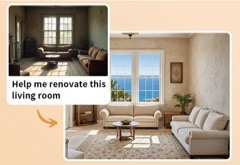
HouseGPT
Ask our design AI for tips on accessorizing your staged room or for more information on the history of Mediterranean style.
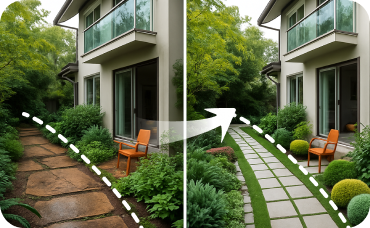
Landscaping
Design the perfect garden, patio, and entryway to complement your new rammed earth facade.
Ready to Design Your Dream Space?
Experience the fastest, most intuitive online building plan maker. Create detailed 2D floor plans in minutes.
Generate My Floor Plan
💰 Ideal Houseのアフィリエイトパートナーとして10%のコミッションを獲得しましょう。
参加しませんか